
A customer searches for "barber near me", "electrician Perth" or "beauty salon near me".
Three businesses appear prominently on the map.
The customer chooses one. Often, they do not look much further.
For a local business, the question is understandable: why those businesses, and what can you do to improve your own visibility?
There is no single Google Maps switch to turn on. Local visibility is shaped by several factors, and some of them are outside your control.
Google explains local results through three main concepts:
- Relevance — how well your Business Profile matches the search.
- Distance — how close your business is to the searcher or the location they searched for.
- Prominence — how well known and established Google understands your business to be.
This guide explains what those three factors mean, what you can improve, and what you should be cautious about.
How does Google decide which local businesses to show?
Google says local results are mainly based on relevance, distance and prominence. These factors work together to identify the businesses that may best match a customer's search.
Relevance
Relevance is about the connection between the search and your business.
If someone searches for "women's haircut", Google needs to understand whether your business provides that service. If they search for "emergency plumber", it needs to determine which businesses are genuinely relevant to that need.
Complete and detailed information can help Google understand what your business does and match it with relevant searches.
Your business category, services, description, website and other business information all contribute to the overall picture of your business. They should be accurate and written for customers, not constructed as a list of keywords.
Distance
Distance refers to how far your business is from the searcher or the location included in the search.
A customer searching from Fremantle may see a different set of businesses from someone searching in Perth's eastern suburbs. A customer who searches for "café in Subiaco" may receive results centred around that area.
You cannot optimise away distance.
A perfectly completed Business Profile may still appear below a closer, relevant business. This is not necessarily a sign that your profile is broken. It may simply reflect the location component of local search.
Prominence
Prominence refers to how well known a business is.
Google says prominence can be influenced by information it has about a business across the web, including how many websites link to the business and how many reviews it has. Google also states that more reviews and positive ratings can help a business's local ranking.
Prominence is broader than a star rating. It reflects the overall understanding Google develops about a business and its standing.
This is why local visibility is not usually improved through one isolated change. It is built through accurate information, a legitimate presence, customer experiences and a reputation that is maintained over time.
1. Complete your Google Business Profile properly
Your Google Business Profile is often the first detailed information a potential customer sees about your business.
Start with the basics.
Make sure the profile contains:
- The real-world business name
- The correct address, where customers can visit you
- An accurate service area, where relevant
- A phone number controlled by the business
- The correct website
- Regular opening hours
- Special or public holiday hours
- An accurate primary category
- Relevant services
- Appropriate attributes
- Useful photos
Google says businesses with complete and accurate information are more likely to appear in relevant local searches.
That does not mean every completed field guarantees better rankings. It means accurate information gives Google and customers a clearer understanding of your business.
Your business name deserves particular care. Use the name your business uses in the real world across signage, stationery, your website and customer communications.
Do not add phrases such as "best barber Perth" or "24-hour emergency electrician" to the name unless those words are genuinely part of your real-world business name. Google's guidelines prohibit adding unnecessary information to manipulate how a business appears.
The same principle applies to your description. Explain what you offer, who you help and what customers can expect. Avoid keyword lists, gimmicky formatting and exaggerated claims.
For service businesses, review the Google Business Profile services editor and add the services you genuinely provide.
2. Choose the right business categories
Categories help Google understand what kind of business you are.
Your primary category should describe the core business as accurately as possible.
For example:
- A barber should choose a category that represents the barber business.
- A beauty salon should select the most accurate salon category available.
- An electrician should choose the most relevant electrical service category.
- A café should select the category that best represents the café itself.
Additional categories can be useful when they describe genuine, meaningful areas of the business. They should not become a list of every service, product or feature you offer.
Google's guidelines recommend using the fewest categories needed to describe your overall core business and selecting categories that are as specific as possible.
A practical test is to complete this sentence:
The category should describe what the business is, not simply what it has.
For example, a café that has Wi-Fi should not use "Wi-Fi hotspot" as a business category. A motel with a swimming pool should not choose "swimming pool" as an additional business category.
Categories should clarify your business, not stretch it into unrelated searches.
3. Keep your business information accurate
Out-of-date information creates problems for both customers and Google.
A Perth tradesperson who moves suburbs, a Melbourne salon that changes its hours or a Brisbane café that closes on public holidays should update its profile promptly.
Review:
- Business name
- Address
- Service area
- Phone number
- Website
- Regular hours
- Special hours
- Services
- Appointment or booking links, where available
If customers arrive when your profile says you are open but the doors are closed, the immediate issue is customer trust. Over time, inconsistent information can also make it harder for Google to understand which details are current.
Service-area businesses need particular care. If you travel to customers and do not operate a customer-facing storefront, follow Google's guidance for service-area businesses. Do not use a virtual office or an address where the business does not genuinely operate.
You should also avoid creating multiple profiles for the same business location. Google's business representation guidelines explain how to represent storefront and service-area businesses accurately.
4. Build a healthy Google review profile
Google explicitly says that reviews and positive ratings can help local ranking.
Reviews also have a direct customer role. Someone comparing two salons, clinics, cafés or trades businesses may use reviews to decide who appears trustworthy enough to contact.
A healthy review process begins with real customer experiences.
You can:
- Ask genuine customers to share honest feedback.
- Make the review process easy with a direct Google review link or QR code.
- Include review requests in normal post-visit follow-up.
- Ask all appropriate customers rather than only those you expect to be positive.
- Treat feedback as information about the customer experience.
Do not offer discounts, free products or other incentives in exchange for reviews. Do not ask customers to change or remove negative reviews in return for a benefit.
Google also prohibits selectively discouraging negative reviews or requesting that customers include particular words or details. Reviews should reflect genuine, independent experiences.
There is no universal number of reviews that guarantees a higher position. A business with 100 reviews is not automatically entitled to outrank a business with 40. Local results depend on the query, location, relevance and prominence of the businesses being compared.
The goal is not to manufacture a profile that looks perfect.
It is to create a reliable process for hearing from real customers.
5. Respond to customer reviews
Review responses are part of public customer service.
A thoughtful response can show potential customers that the business pays attention, takes concerns seriously and is willing to communicate.
Google recommends replying to reviews, but it does not state that replying to a review guarantees a direct ranking increase. Treat review responses as a reputation and customer experience practice first.
For a positive review
Thank the customer and refer to something specific they mentioned.
For a neutral review
Acknowledge the experience and offer a useful next step if appropriate.
For a negative review
Keep the response calm and brief.
- Acknowledge the concern.
- Avoid arguing point by point.
- Do not reveal private customer information.
- Explain what you can do next.
- Move the detailed conversation offline.
Reviewify's guide to responding to negative Google reviews provides a simple structure for handling public criticism without making the situation larger.
6. Add useful, current photos
Photos help customers understand what visiting your business may be like.
Google recommends adding photos and videos to tell the story of your business. While a photo upload is not a guaranteed ranking tactic, useful images can make your profile clearer and more helpful to people deciding whether to visit or contact you.
Choose images that reflect the real business.
A barber might show:
- The shopfront
- The interior
- The team
- Workstations
- Haircuts, where appropriate and with permission
A beauty salon might show:
- The treatment space
- The team
- The client experience
- Results, where suitable and with consent
- Products or services genuinely offered
A trades business might show:
- Completed work
- The team
- Branded vehicles
- Equipment or work environments
- Before-and-after examples, where they accurately represent the service
Avoid using stock images that could mislead customers. Keep the collection current when the business, team or premises change.
A useful photo should answer a customer question.
What does the place look like? Who will I meet? What kind of work do they do?
7. Make sure your website supports your local presence
Your website and Business Profile should tell a consistent story.
A customer who clicks through from Google should be able to confirm:
- What services you offer
- Which customers you help
- Where you operate
- How to contact you
- When you are available
- How to book or request a quote
For a local service business, this may include clear service pages and useful information about the areas you genuinely serve.
A Melbourne beauty business might explain its treatments and appointment process. A Brisbane electrician might describe its residential and commercial services. An Adelaide café might publish its menu, location and opening hours.
Avoid creating large numbers of thin suburb pages simply to include location names. Pages should exist because they help customers, not because they provide somewhere to repeat a keyword.
Your website is not a substitute for a well-managed Business Profile. It is part of the wider information Google and customers can use to understand the business.

Why isn't my business ranking higher on Google Maps?
There may be more than one reason.
Use the following as a practical diagnostic rather than a list of guaranteed ranking factors.
Your profile is incomplete
Important information may be missing, unclear or inconsistent.
Your primary category is not accurate
The category may not reflect the core business, making it harder for Google to interpret relevant searches.
Your business information is outdated
Incorrect hours, phone numbers, service areas or website details can create confusion.
Competitors have stronger prominence
Other businesses may be more established or have more information about them across the web. Google specifically identifies reviews and links from other websites as examples of prominence information.
The searcher is closer to another relevant business
Distance may be the main reason another business appears first. This is particularly important for broad searches such as "café near me" or "plumber near me".
Your website provides limited context
Customers and search engines may not be able to tell what services you offer or where you operate.
Your profile may not follow Google's guidelines
Keyword-stuffed names, virtual offices, duplicate profiles, inaccurate categories or other policy issues can create serious problems, including profile changes or suspension.
The search is outside your realistic relevance
A business may want to rank for a broad service or location that does not accurately reflect its customer base. Focus first on the searches that genuinely describe the business and the areas it serves.
The profile is relatively new
A new profile may have less established information and history for Google and customers to evaluate. This does not create a fixed timeframe for improvement, and it is not a reason to manufacture activity.
Start with the factors you can control. Correct the information, improve the customer experience and maintain the profile steadily.
Can you guarantee a number-one Google Maps ranking?
No.
Google states that there is no way to request or pay for a better organic local ranking. Its algorithm details are kept confidential, and results vary according to the search, location and businesses being compared.
Be cautious of any provider promising:
- A guaranteed number-one Maps position
- A fixed ranking within a set timeframe
- A guaranteed number of new reviews
- A direct ranking increase from one profile edit
- A method that works for every business in every suburb
Paid Google advertising is different from organic local ranking. You can pay for advertising placements, but that does not buy a better position in the unpaid local results.
A credible local visibility process should explain what is being improved, what is being measured and what remains outside the business's control.
Google Maps checklist for Australian local businesses
Work through this list carefully.
Business Profile
- [ ] Claim and verify the Business Profile.
- [ ] Check that the business name matches its real-world name.
- [ ] Select the most accurate primary category.
- [ ] Add only relevant additional categories.
- [ ] Confirm the address or service area.
- [ ] Confirm the phone number.
- [ ] Confirm the website.
- [ ] Check regular opening hours.
- [ ] Add public holiday and special hours.
- [ ] Complete relevant services and attributes.
- [ ] Add a clear, useful business description.
- [ ] Upload useful, current photos.
Reviews and reputation
- [ ] Ask genuine customers for honest reviews.
- [ ] Make the review process easy to complete.
- [ ] Do not offer incentives for reviews.
- [ ] Do not selectively ask only for positive reviews.
- [ ] Respond to reviews professionally.
- [ ] Protect customer privacy in public replies.
- [ ] Review feedback for service improvements.
Website
- [ ] Explain your core services clearly.
- [ ] Show the areas you genuinely serve.
- [ ] Keep contact information consistent.
- [ ] Provide useful location information.
- [ ] Make booking or enquiry steps clear.
- [ ] Avoid thin, repetitive location pages.
Review the profile regularly, particularly when your hours, services, team, address or customer journey changes.
Where loyalty and Google reputation meet
Google visibility is only one part of the customer relationship.
The stronger foundation is the experience itself.
A customer visits.
They receive good service.
The business gives them a clear reason to return.
The relationship continues after the transaction.
The business makes it easy for the customer to share feedback.
That feedback helps the business learn, respond and maintain its reputation.
Digital loyalty does not replace Google Business Profile optimisation, and loyalty itself is not a confirmed Google ranking factor. The connection is more practical than algorithmic.
A business that keeps customers connected may have more opportunities to understand the experience, encourage genuine follow-up and maintain a consistent reputation process.
Reviewify is built around this journey:
Visit → Reward → Stay Connected → Follow Up → Grow
Its primary product is digital loyalty. Customers can keep a branded loyalty card in Apple Wallet or Google Wallet, while businesses can use a structured customer journey to support visits, rewards, feedback and reputation.
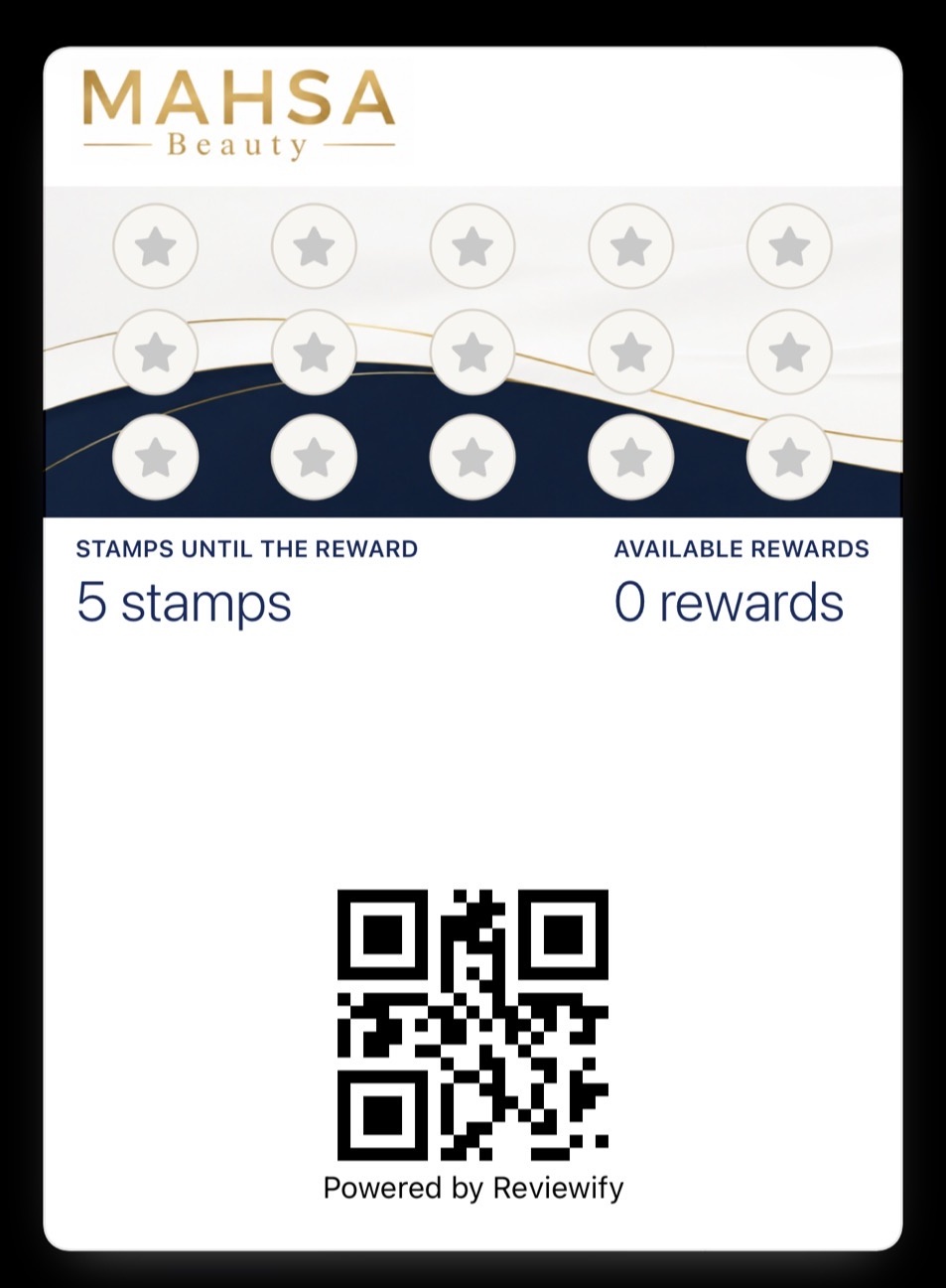
See how Reviewify works to understand how loyalty, follow-up and feedback can sit within one customer experience.
Reviewify is currently in Beta. It does not control Google's ranking algorithm and cannot guarantee local ranking outcomes.
What it can do is help structure the relationship after the customer leaves.
Conclusion
There is no secret Google Maps setting that guarantees a better position.
A considered local visibility process starts with:
- Accurate Business Profile information
- A relevant primary category
- Genuine services and business details
- Correct hours and service areas
- Real customer reviews
- Professional review responses
- Useful, current photos
- A website that clearly explains the business
- Ongoing maintenance
Google's framework is straightforward, even if the results are not always predictable.
Relevance helps Google understand the match.
Distance sets a practical boundary.
Prominence develops through the broader information and reputation surrounding the business.
Focus on what you can control, and avoid promises that sound more certain than Google's own guidance.
If you are already investing in good customer experiences, Reviewify can help you continue that relationship after the visit with digital loyalty, customer follow-up, feedback and reputation working together.
Create a personalised Reviewify demo to see what the customer experience could look like for your own business.